Plan a trim job: the footage, the range, the profile, the summary
The trim planning studio: a planning range for baseboard, casing, crown or quarter round from the rooms and openings, a project summary you keep on your phone, and Trim Match to put a real catalogue profile next to what is on your walls.
Guide revision: 2026-10-13
5-step walkthrough with voiceover, recorded from the same checked steps.
Voiceover: Kokoro text-to-speech (Apache 2.0).
How do I start?
Open our trim section from the app hub. Start on Estimator.
What do I do next?
- 1
Estimator: the room
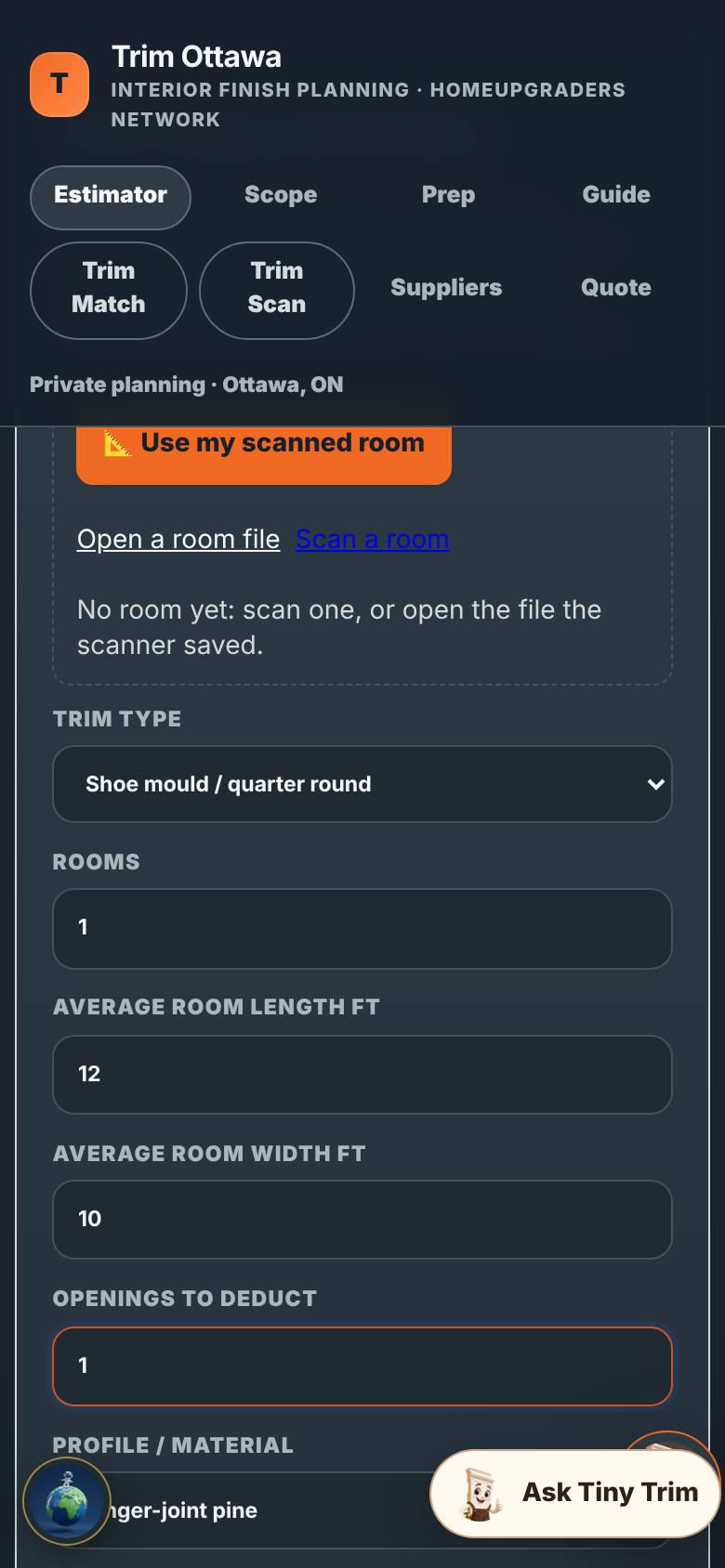
Pick the trim type, the rooms, the openings, the material.
The estimator filled in.
- 2
The planning range
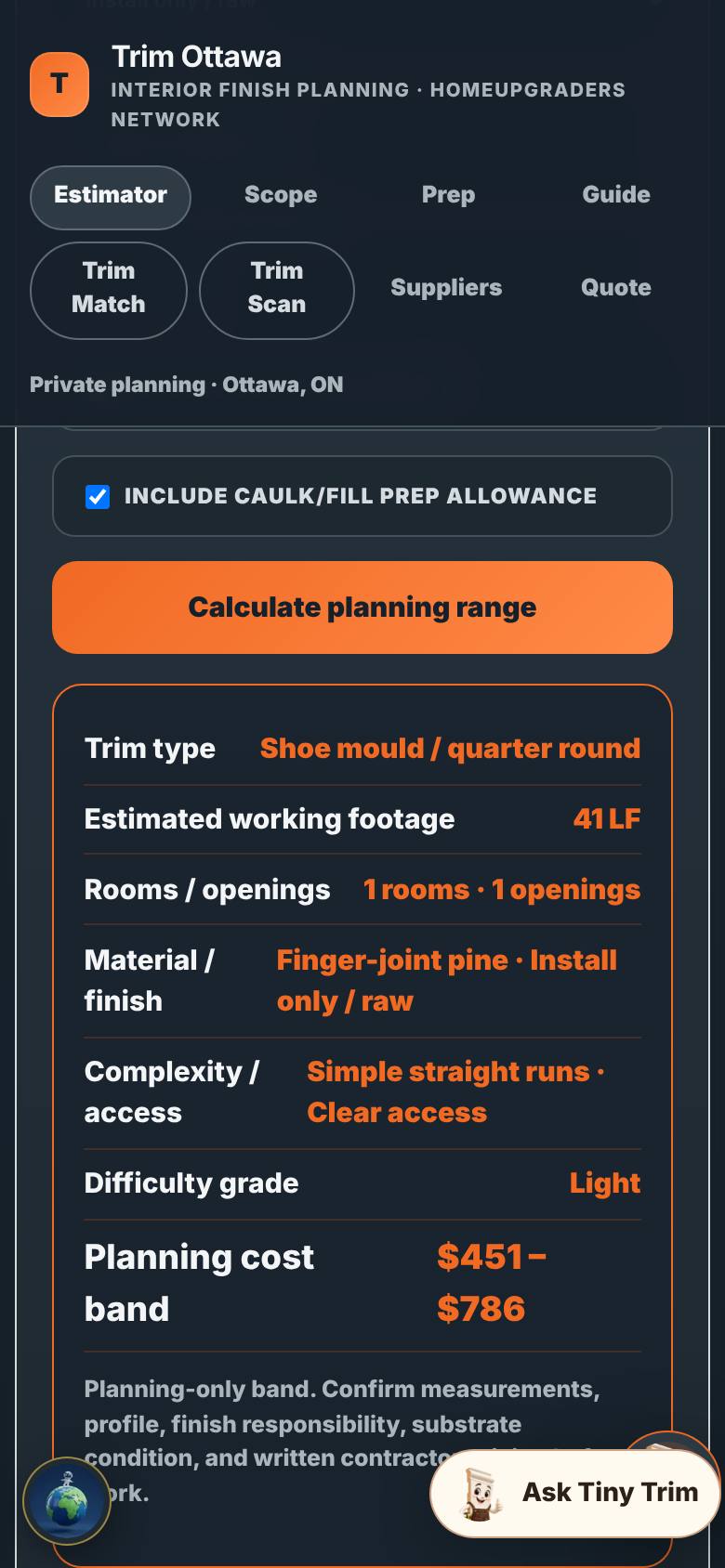
Tap Calculate planning range.
Footage and a planning range.
- 3
Quote: the summary
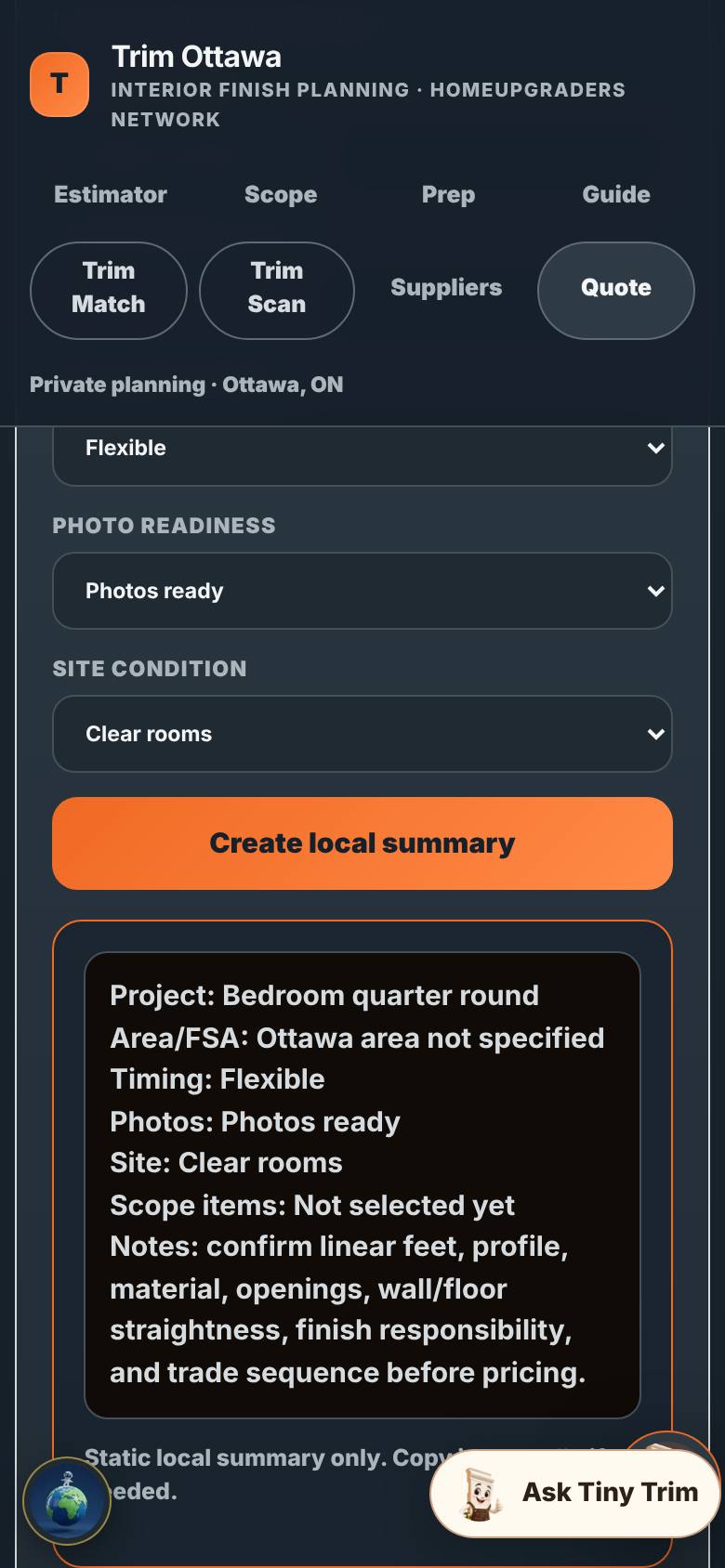
On Quote, name it and tap Create local summary.
The local summary.
- 4
Trim Match
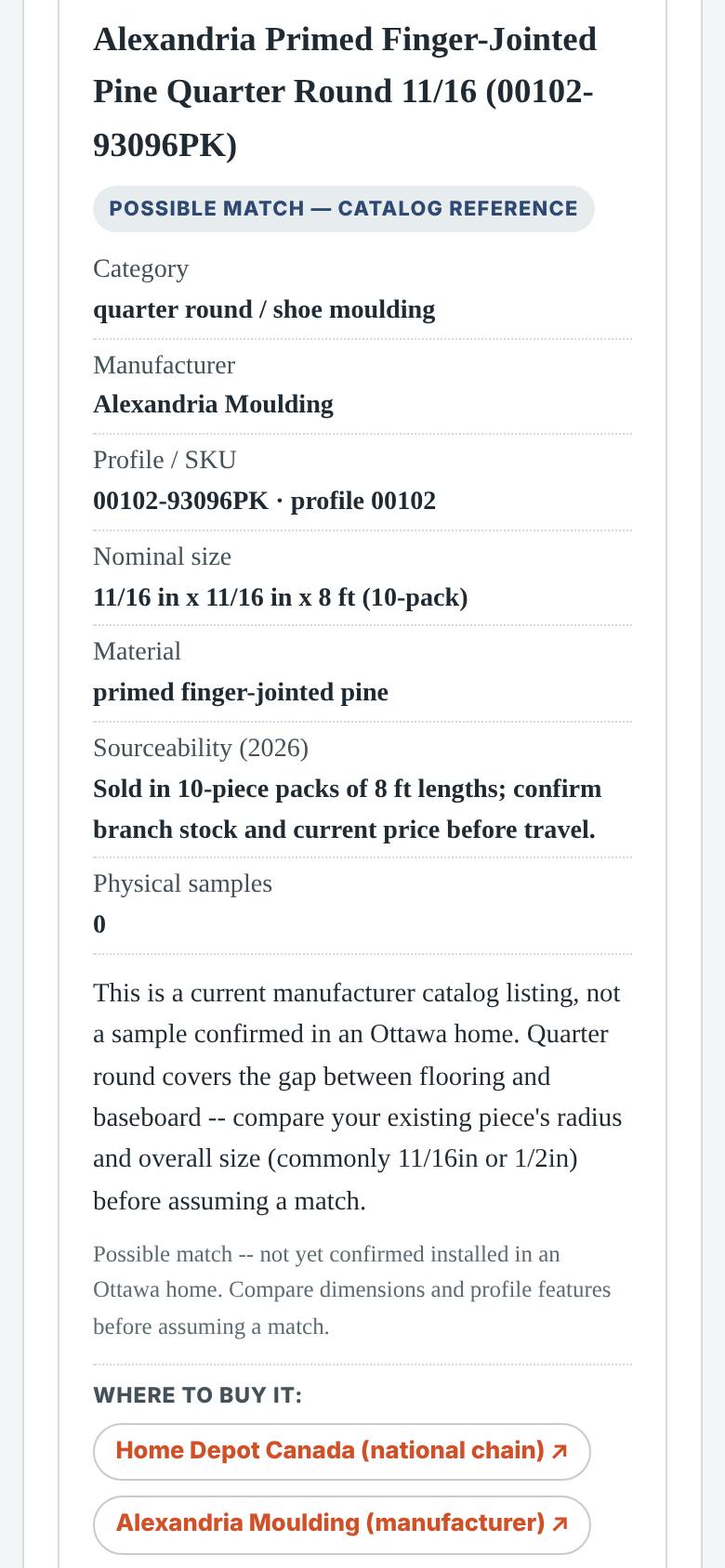
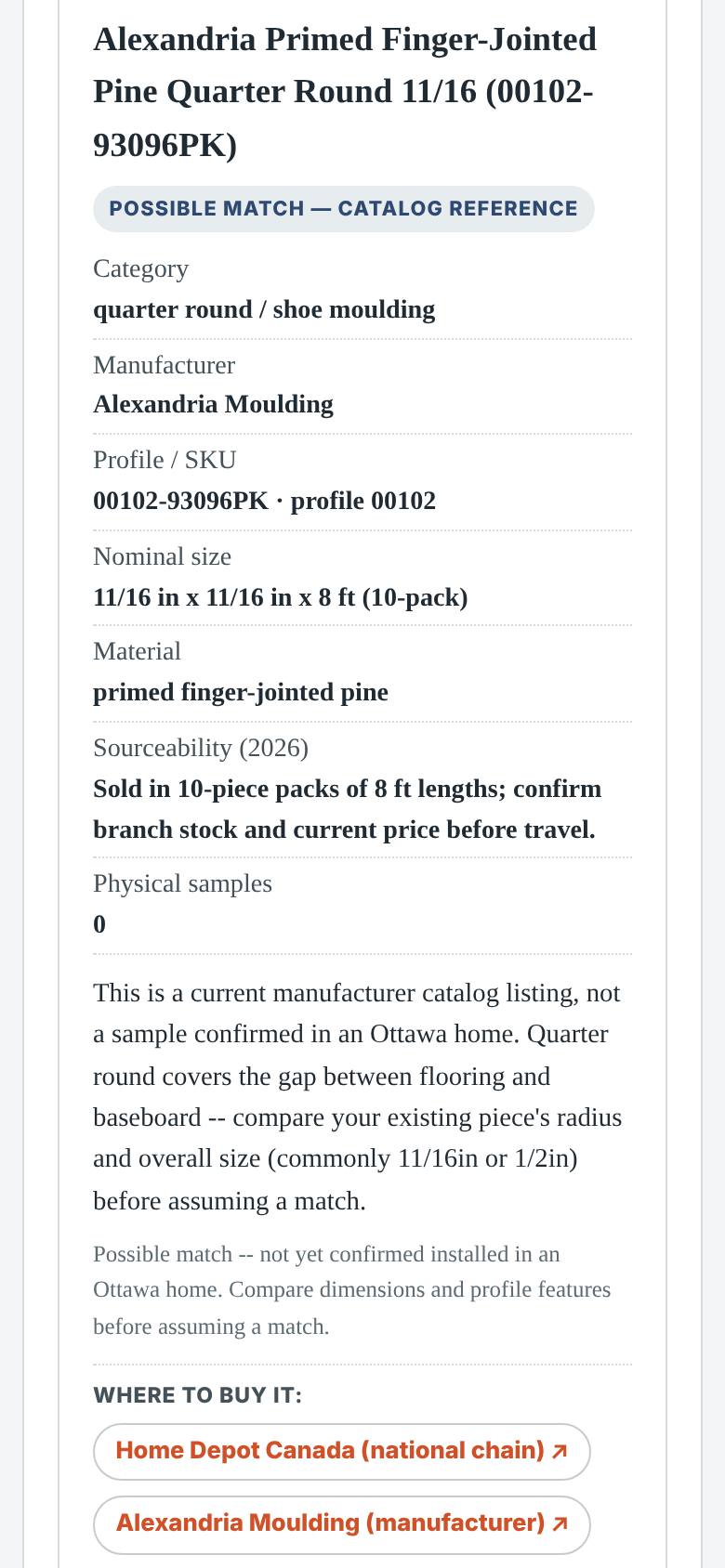
Tap Trim Match and search 00102.
The 11/16 quarter round record.
- 5
Compare and go back
Read the record and its evidence grade.
Dimensions, source, grade.
What result should I expect?
A planning range, a local project summary, and a catalogue profile to compare against.
How do I save, share or get help?
The summary stays on this phone until you choose to share it. Nothing is sent unless you send it.
If something goes wrong
- Where is the order? This is planning, not ordering. The summary and the matched profile are what you take to the supplier, or to the quote.
Every screenshot here was taken while doing these exact steps on the app's current build (98d125a), on a phone-sized screen, signed out, on 2026-10-13. Steps that need an account are marked. Nothing was submitted or bought.
All How-To guides Return to Trim planning