Run the job: InVoice, the Scheduler, Photo Review and Contractor Pro
The briefcase holds the contractor tools: InVoice for a daily work record that adds up to an invoice, the Scheduler, your dashboard and profile, and Photo Review for your job photos. Contractor Pro, at $29 a month, includes 50 Work Credits each month and the contractor tools; publishing your projects on the Map of Inspiration is a separate package.
Guide revision: 2026-10-11
4-step walkthrough with voiceover, recorded from the same checked steps.
Voiceover: Kokoro text-to-speech (Apache 2.0).
What do I do next?
- 1
The briefcase
In the Toolbox, scroll to The briefcase.
The business side: InVoice, Scheduler, Dashboard, Profile and Photo Review.
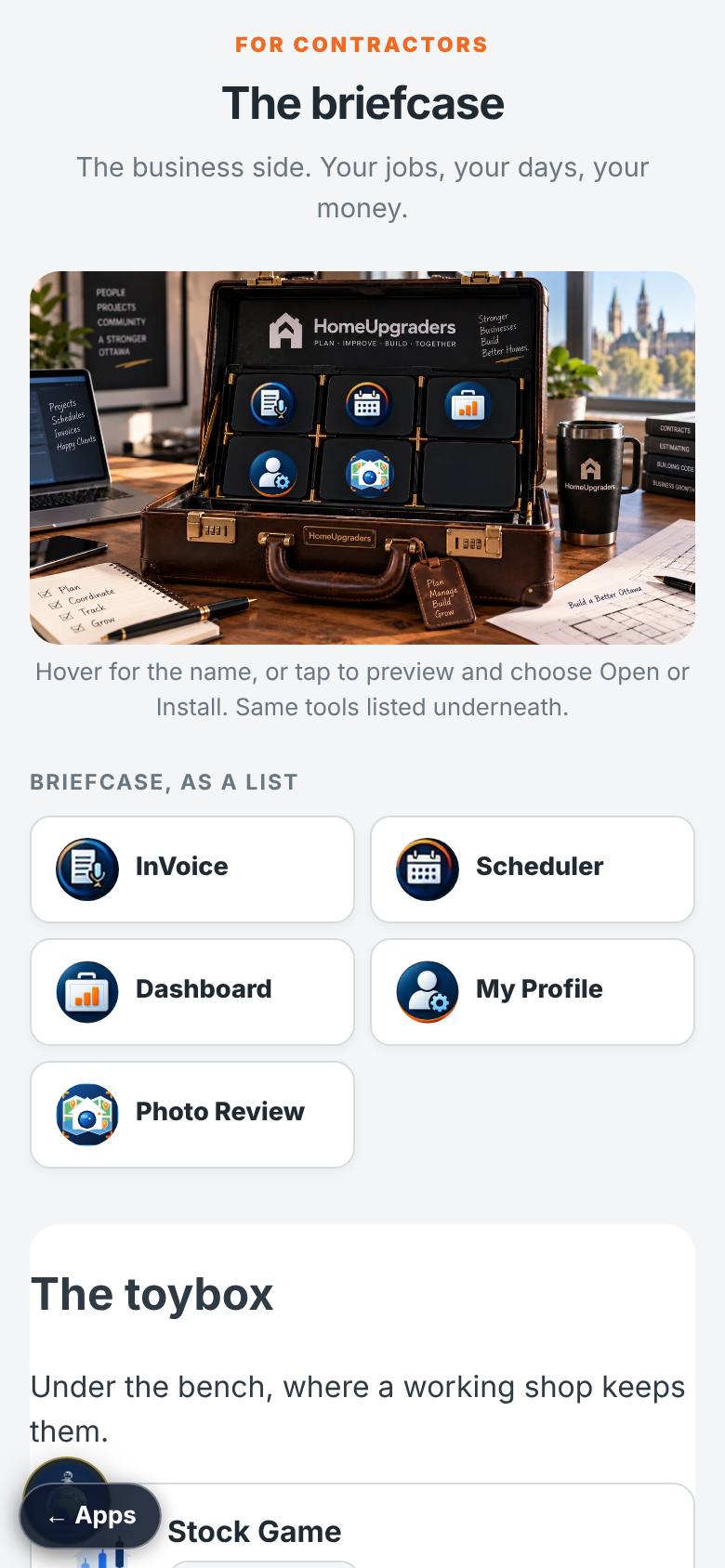
- 2
InVoice
Open InVoice.
Say what happened today; it becomes a work record and the invoice adds itself up.
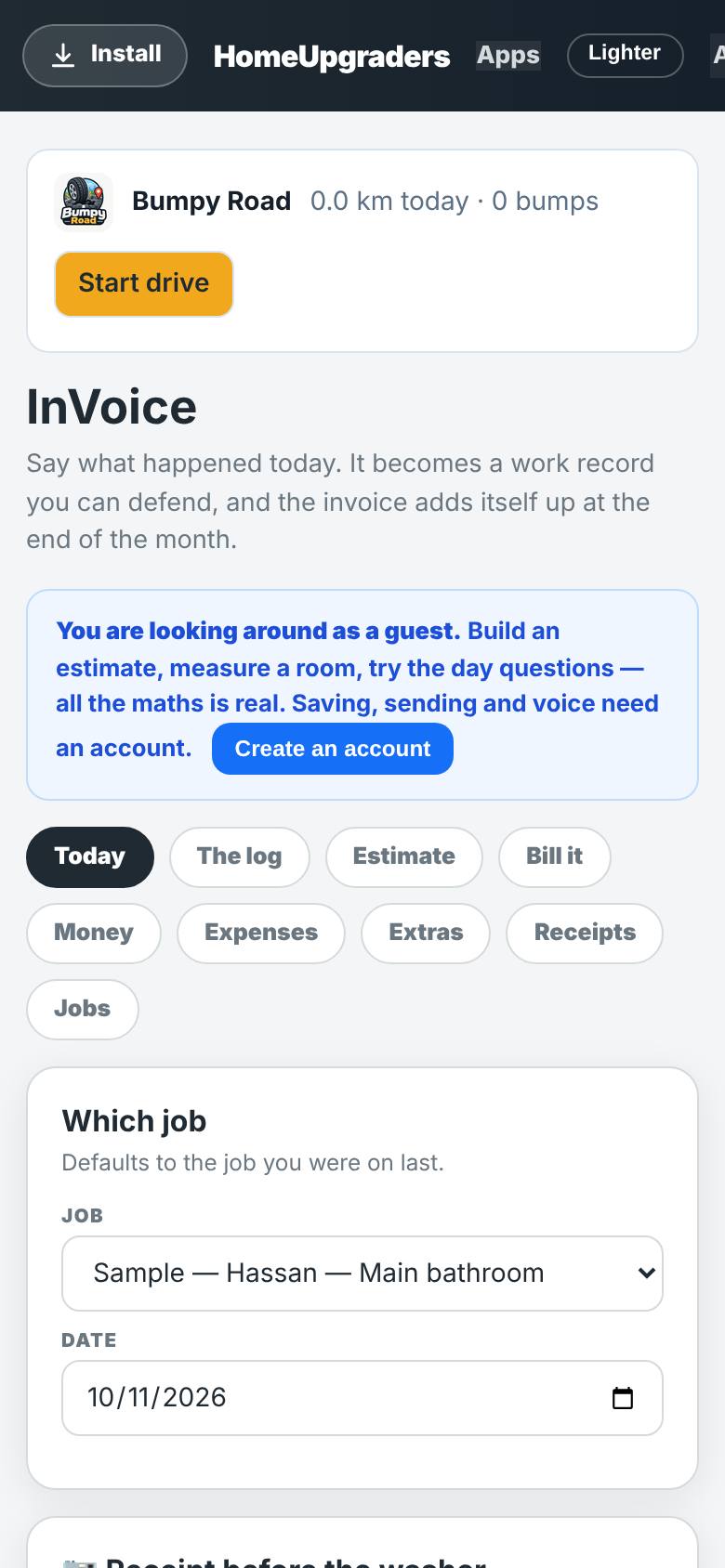
- 3
Photo Review
Open Photo Review.
Add your job photos, describe and approve them; approved photos go on the map and the website.
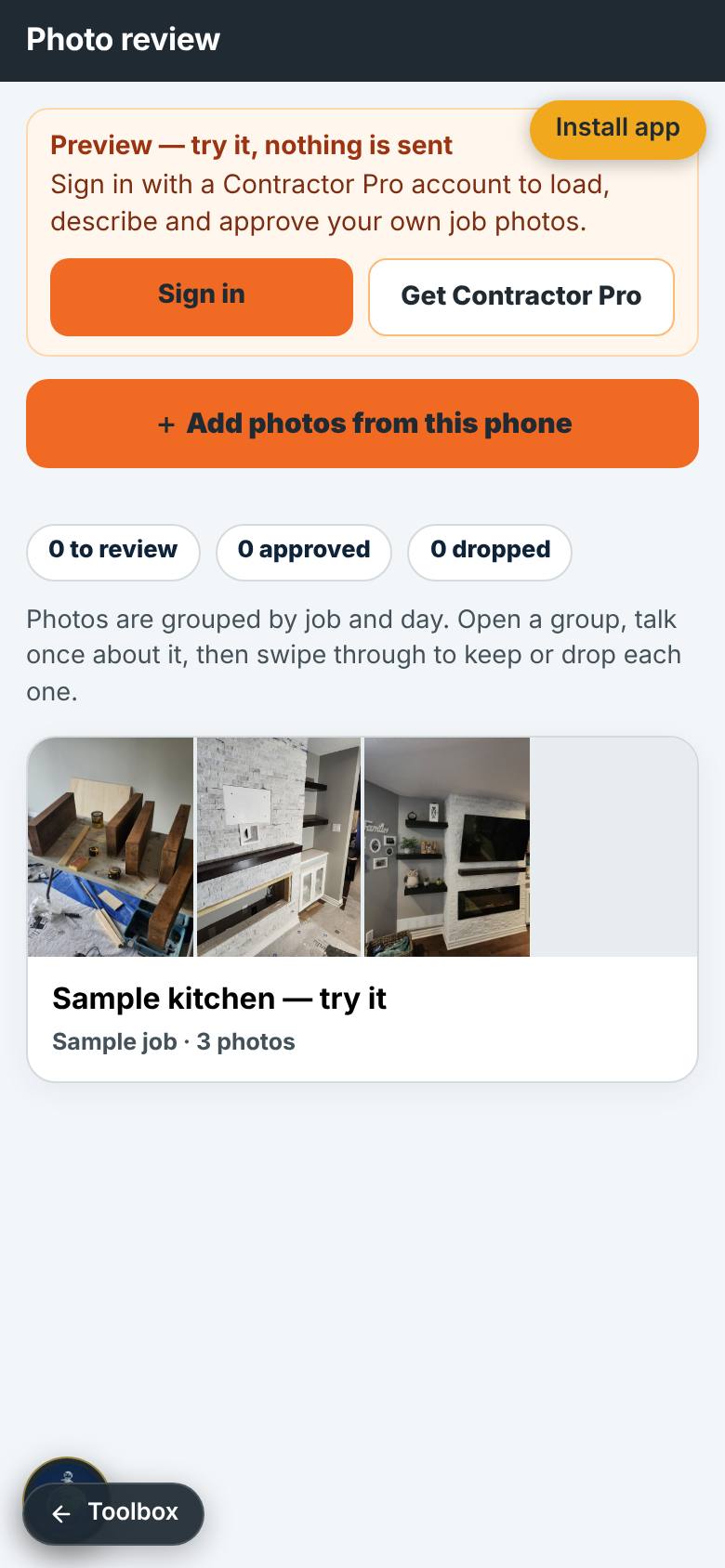
- 4
Contractor Pro
Open Work Credits and scroll to Contractor Pro.
$29 a month: 50 Work Credits each month, rollover up to 100, the invoicer and the contractor tools.
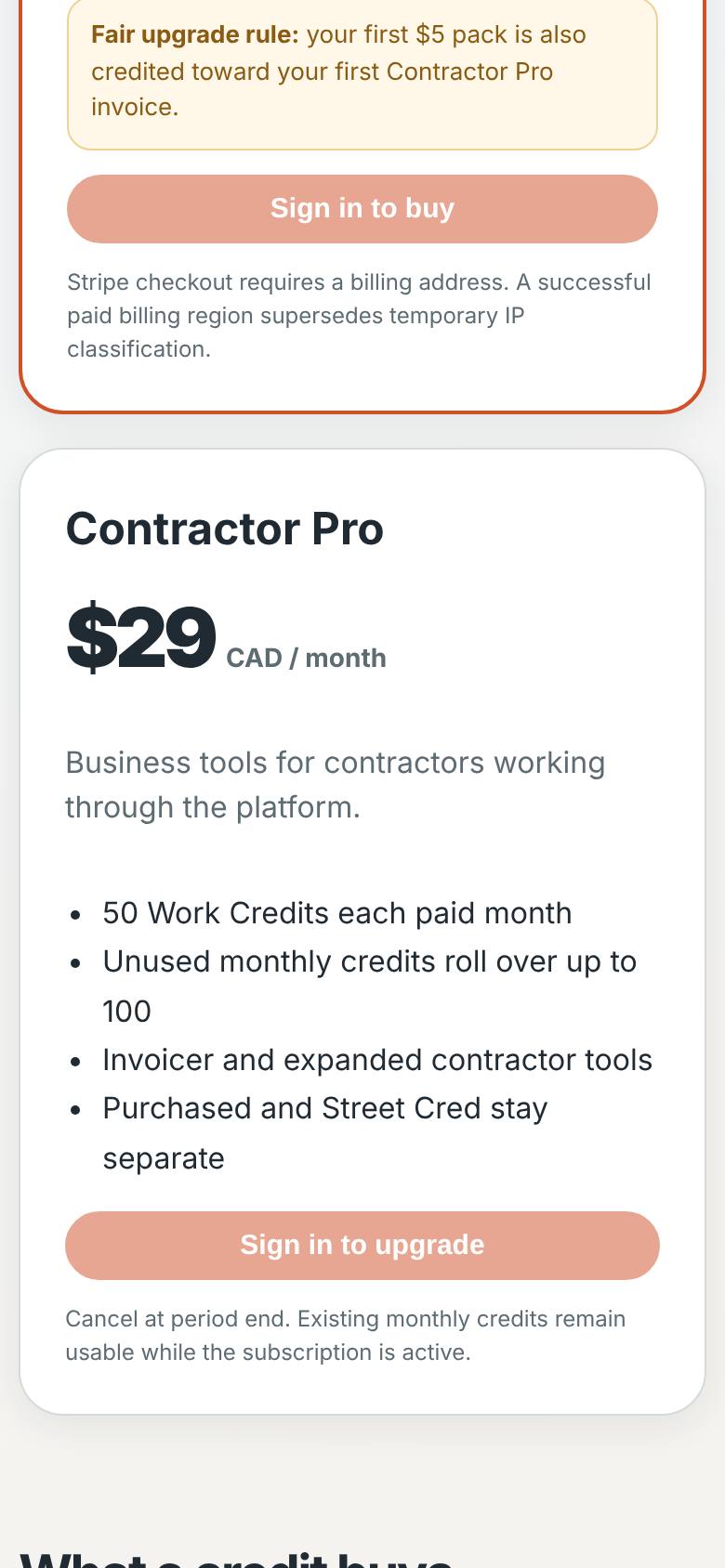
What result should I expect?
Where each contractor tool is, and what Contractor Pro and the map package include.
How do I save, share or get help?
Your work is kept in your Home Upgraders account when you sign in.
Every screenshot here was taken while doing these exact steps on the app's current build (f0c9e51), on a phone-sized screen, signed out, on 2026-10-11. Steps that need an account are marked. Nothing was submitted or bought.
All How-To guides Return to Contractor tools