Estimate your roof size, materials and a planning range
Our roofing section estimates roof area from your house footprint, storeys, roof type and pitch, and gives the materials and a planning range before you call roofers.
Guide revision: 2026-10-11
9-step walkthrough with voiceover, recorded from the same checked steps.
Voiceover: Kokoro text-to-speech (Apache 2.0).
How do I start?
Open our roofing section and tap Start estimate. No account. You need the house length and width (ft) — outside measurements are fine.
Open RoofingWhat do I do next?
- 1
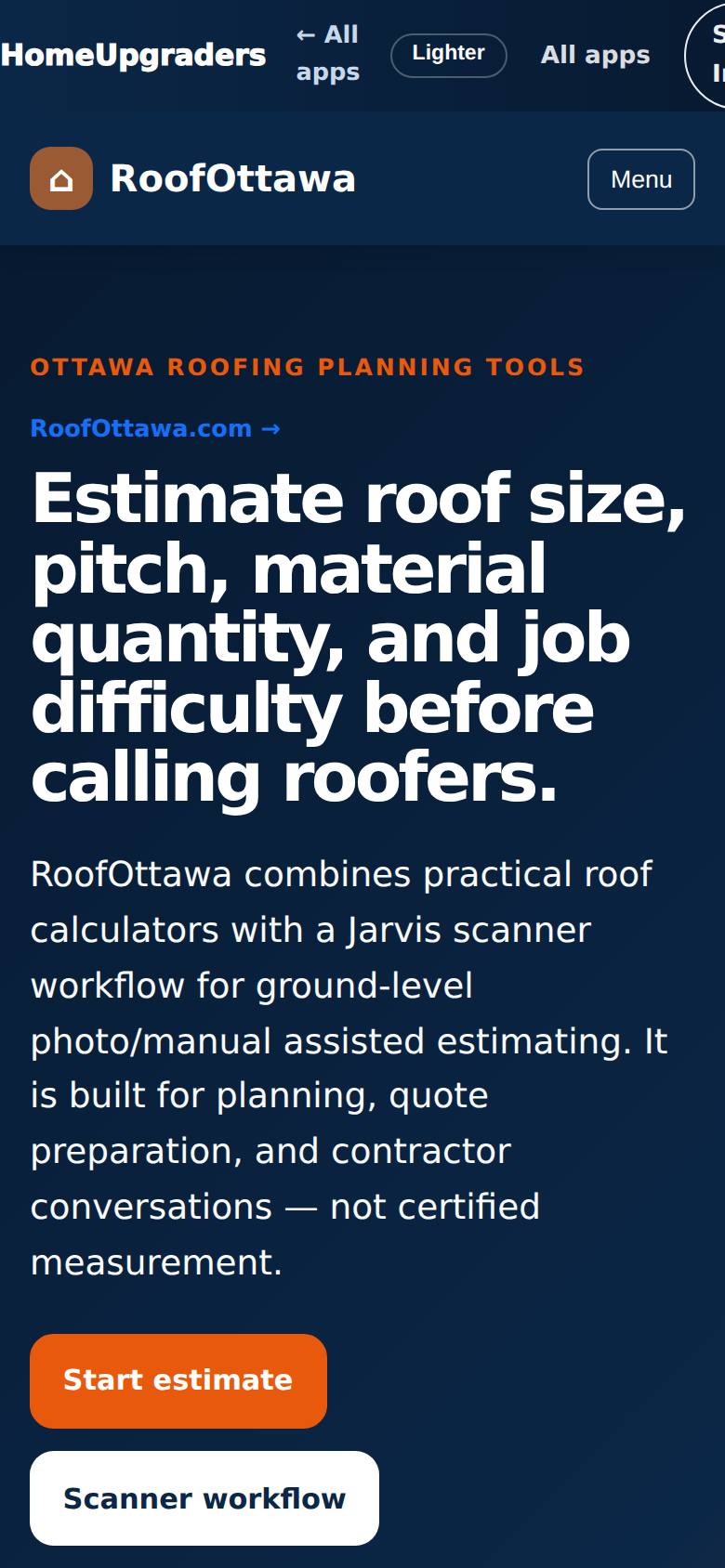
Open our roofing section
Open our roofing section from the Apps Hub.
Estimate roof size, pitch, material and difficulty before calling roofers.
- 2
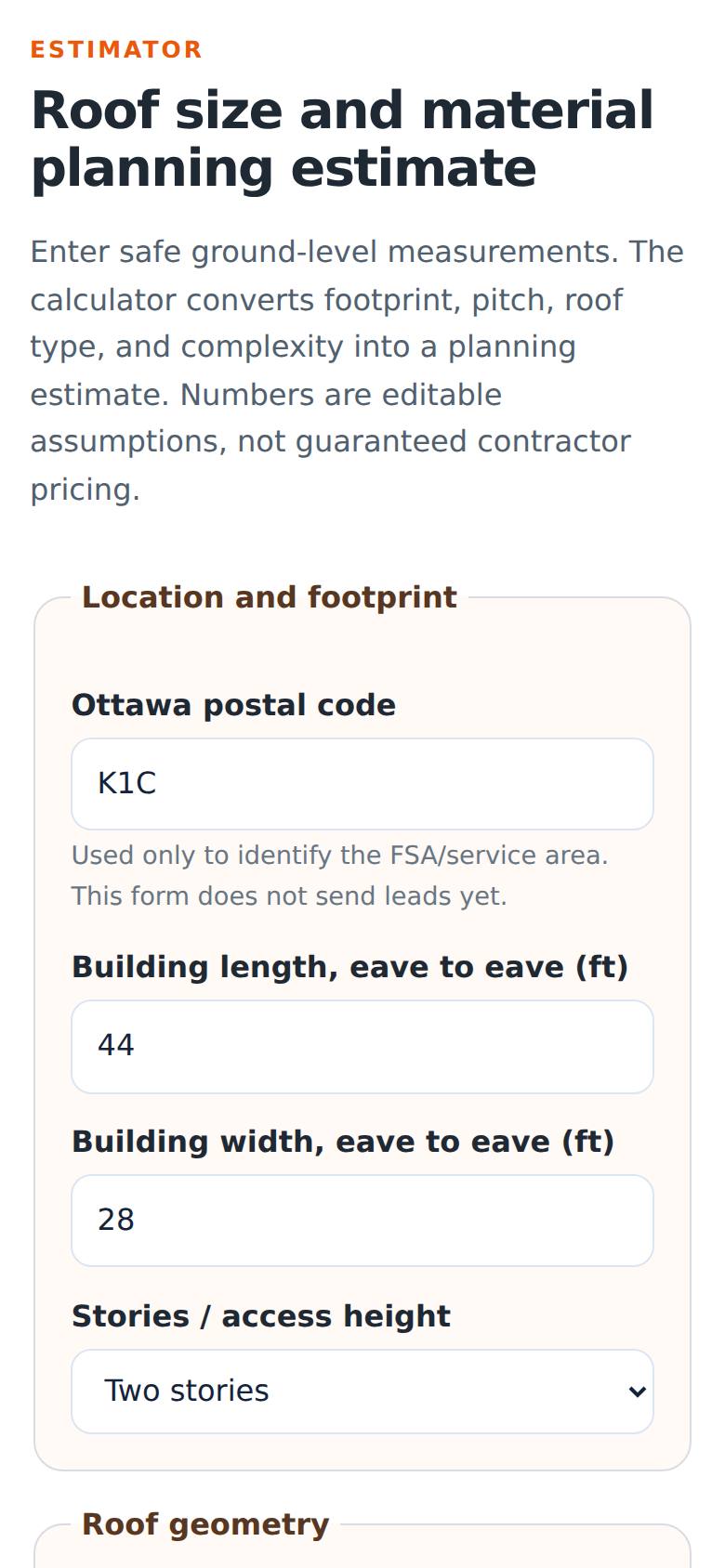
Location and footprint
Type your postal code and the house length and width, eave to eave, in feet.
Footprint 36 by 28 feet.
- 3
Roof geometry
Choose the storeys, roof type, how you know the pitch, the pitch and the number of roof planes.
Two storeys, gable, 6/12, two planes.
- 4
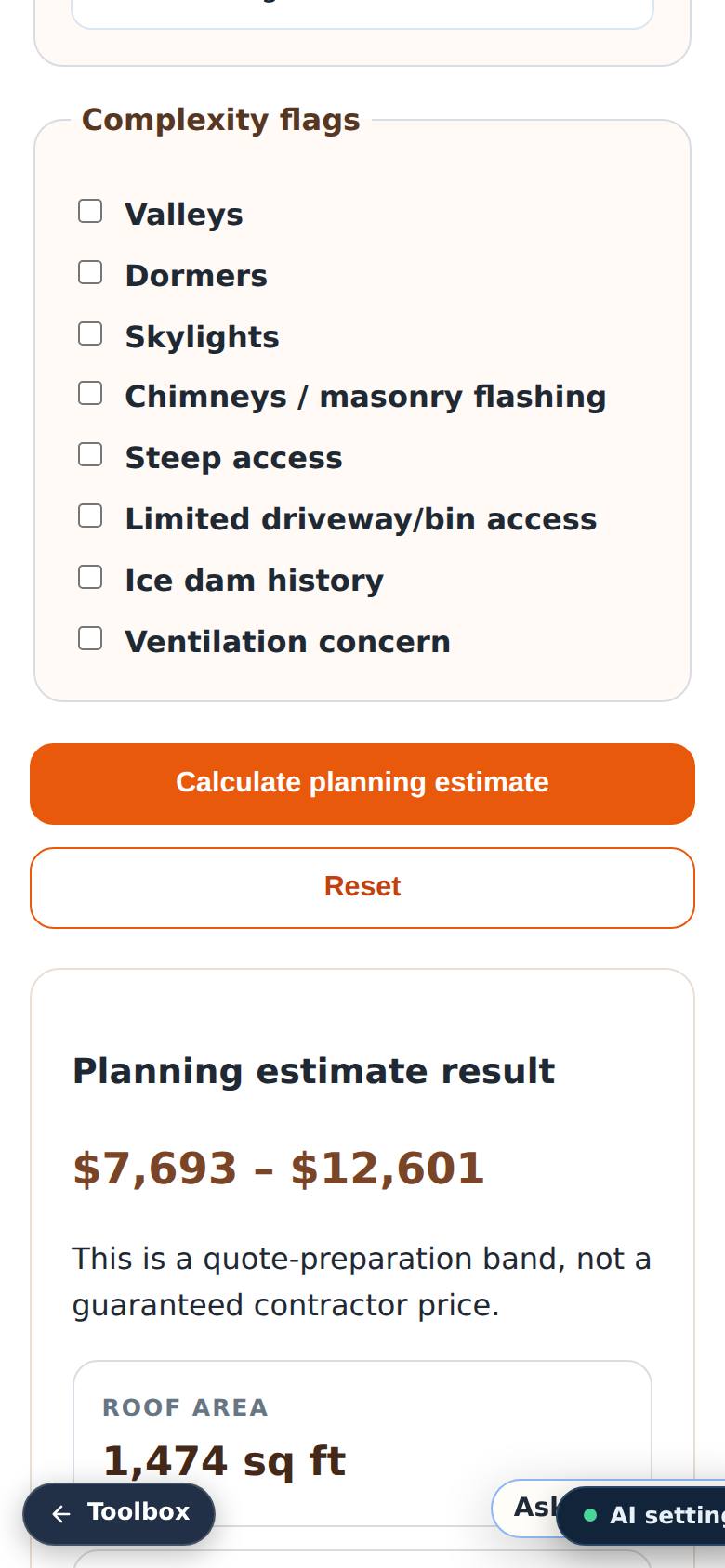
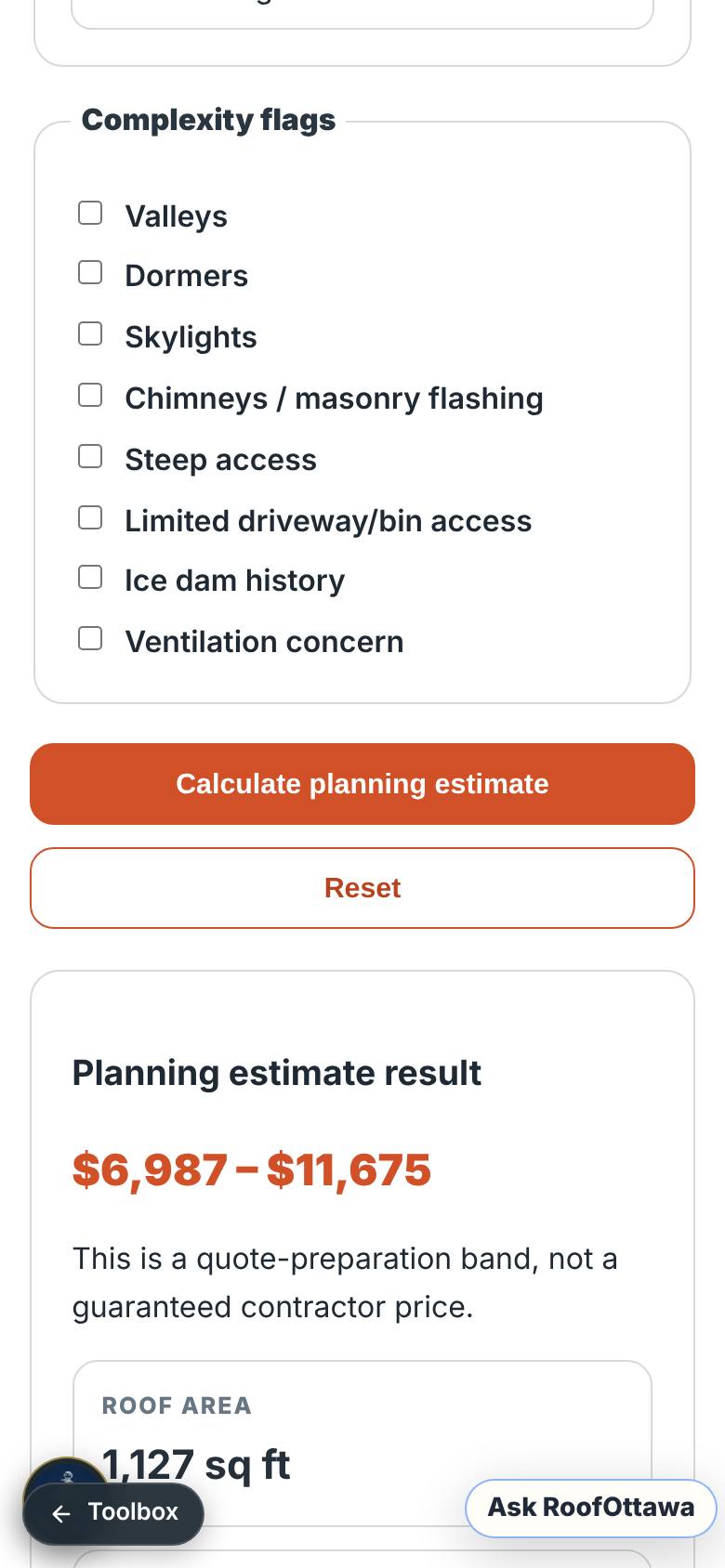
Calculate
Tap Calculate planning estimate.
The planning band, roof area, squares, order area and waste.
- 5
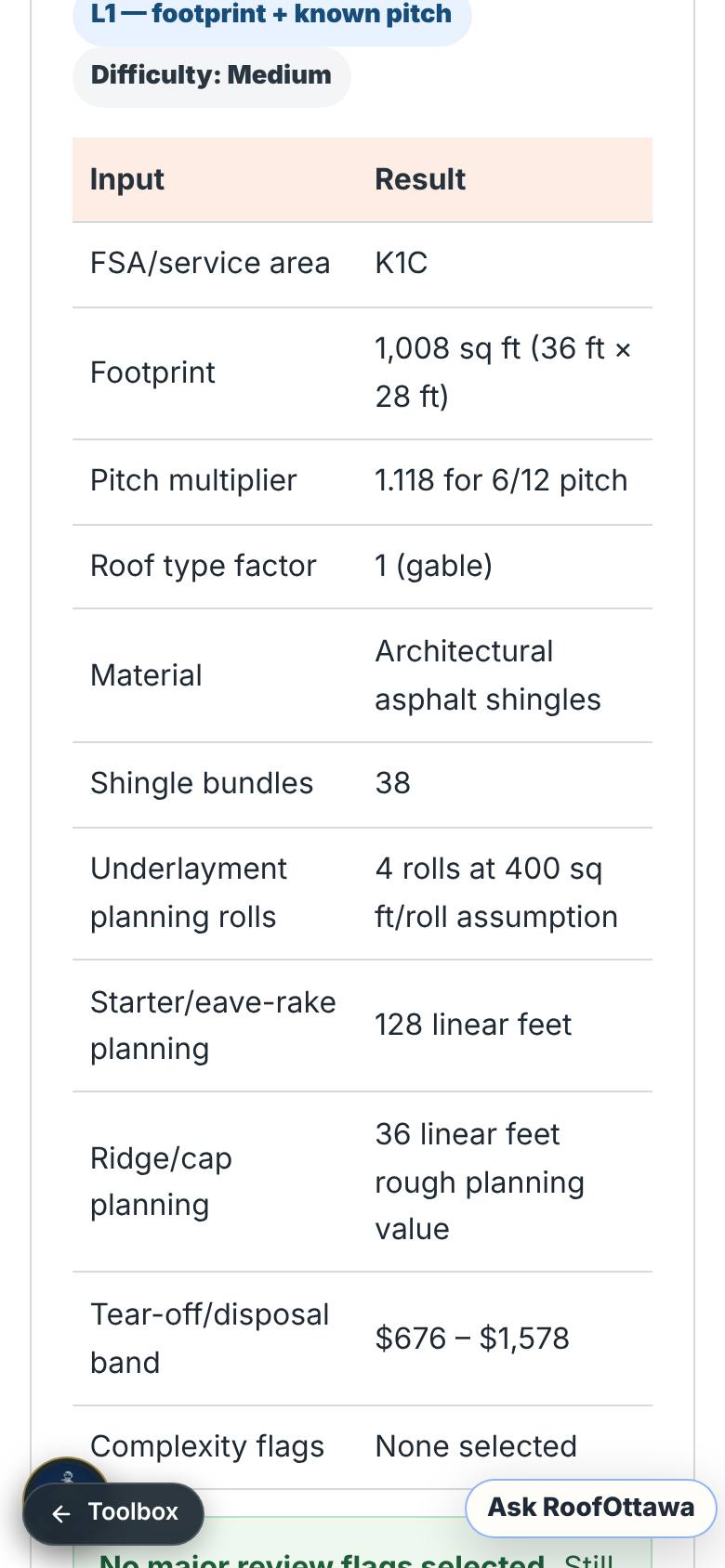
Read the materials
Scroll through the table.
Bundles, underlayment, starter, ridge and tear-off.
- 6
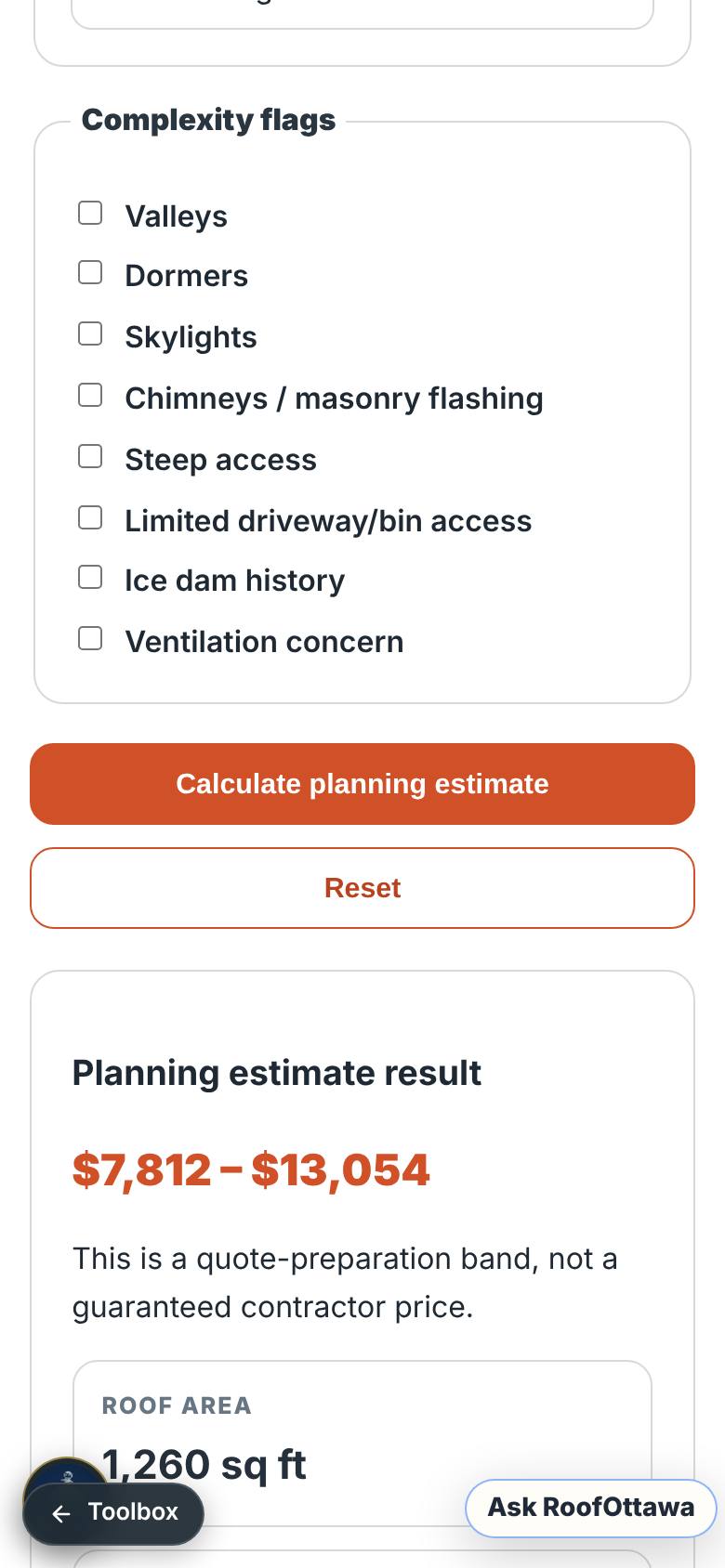
A steeper roof
Change the pitch to 9 and calculate again.
More roof area and a review flag.
- 7
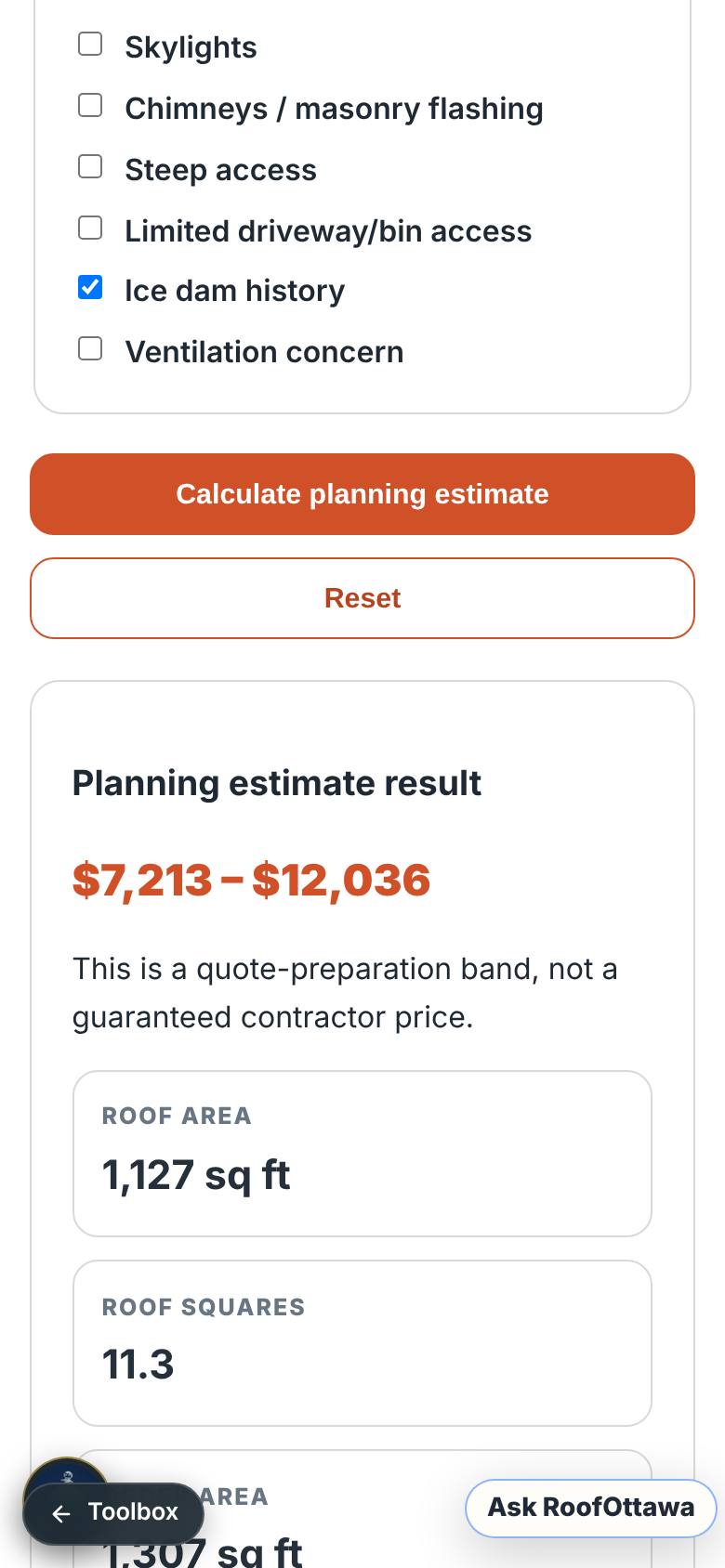
Complexity flags
Back at 6/12, tick Valleys and Ice dam history, then calculate.
More waste and an ice dam review flag.
- 8
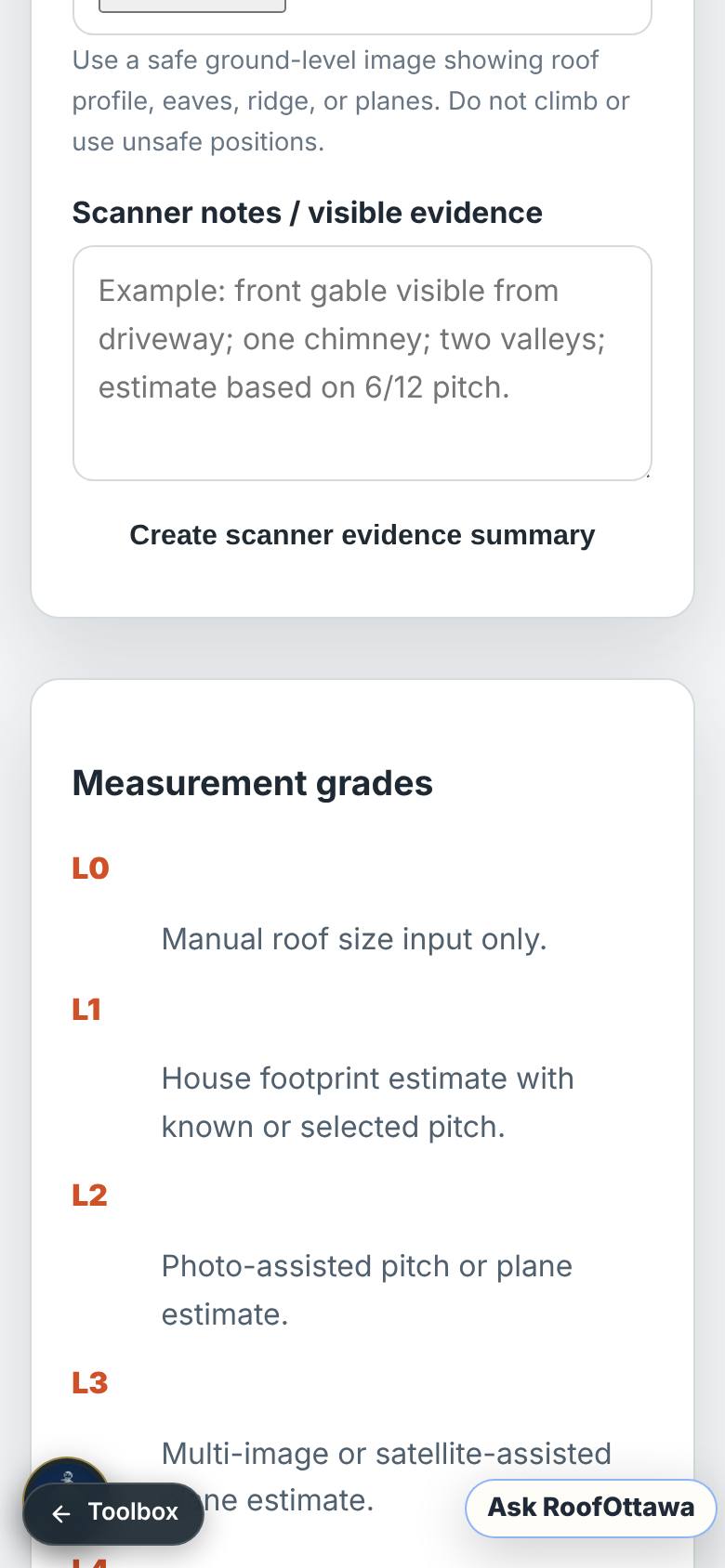
Scanner workflow
Scroll to the Jarvis Roof Scanner.
Measurement grades L0 to L4.
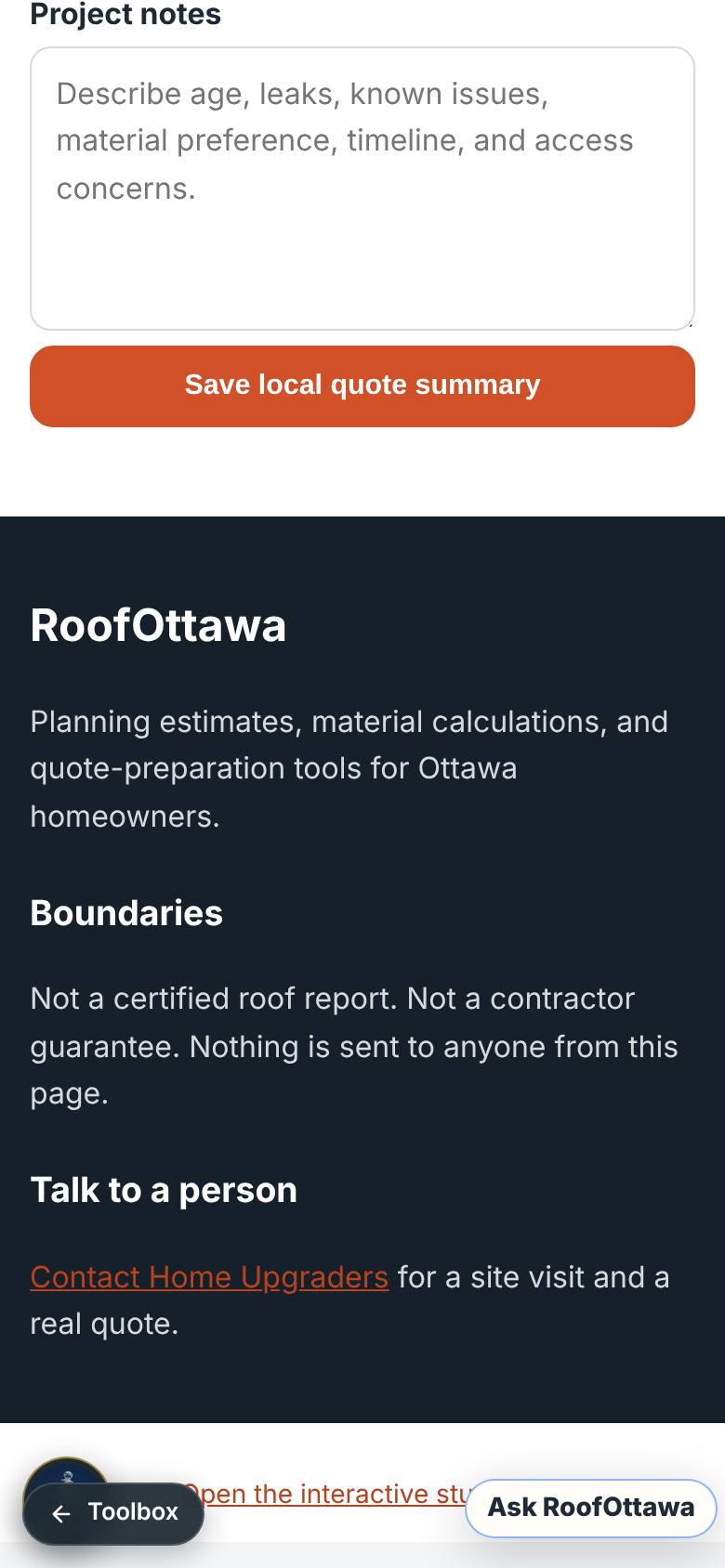
- 9
Suppliers and boundaries
Scroll to the bottom.
The supplier map and what this tool is not.
What result should I expect?
A roof area, the material quantities and a planning range, with the complexity flags (valleys, dormers, skylights, chimneys…) you ticked. It is a quote-preparation range, not a contractor price.
How do I save, share or get help?
The estimate is on the page. "Save a project summary" at the bottom asks for your name and email first, so it was not tested in this guide.
Every screenshot here was taken while doing these exact steps on the app's current build (f0c9e51), on a phone-sized screen, signed out, on 2026-10-11. Steps that need an account are marked. Nothing was submitted or bought.
All How-To guides Return to Roofing