Walk the Knowledge City and earn your rings
JobSafe Quest: a 3D city of Ottawa where every building is a lesson or a game. Walk to the Hazard Hunter, the Code Check, the Hall of Regret, the Materials Exchange, the Research Lab, the School and the Arcade, and earn knowledge and regret points toward the next ring.
Guide revision: 2026-10-13
5-step walkthrough with voiceover, recorded from the same checked steps.
Voiceover: Kokoro text-to-speech (Apache 2.0).
How do I start?
Open JobSafe Quest from the app hub. Say who is visiting and it flies you in.
What do I do next?
- 1
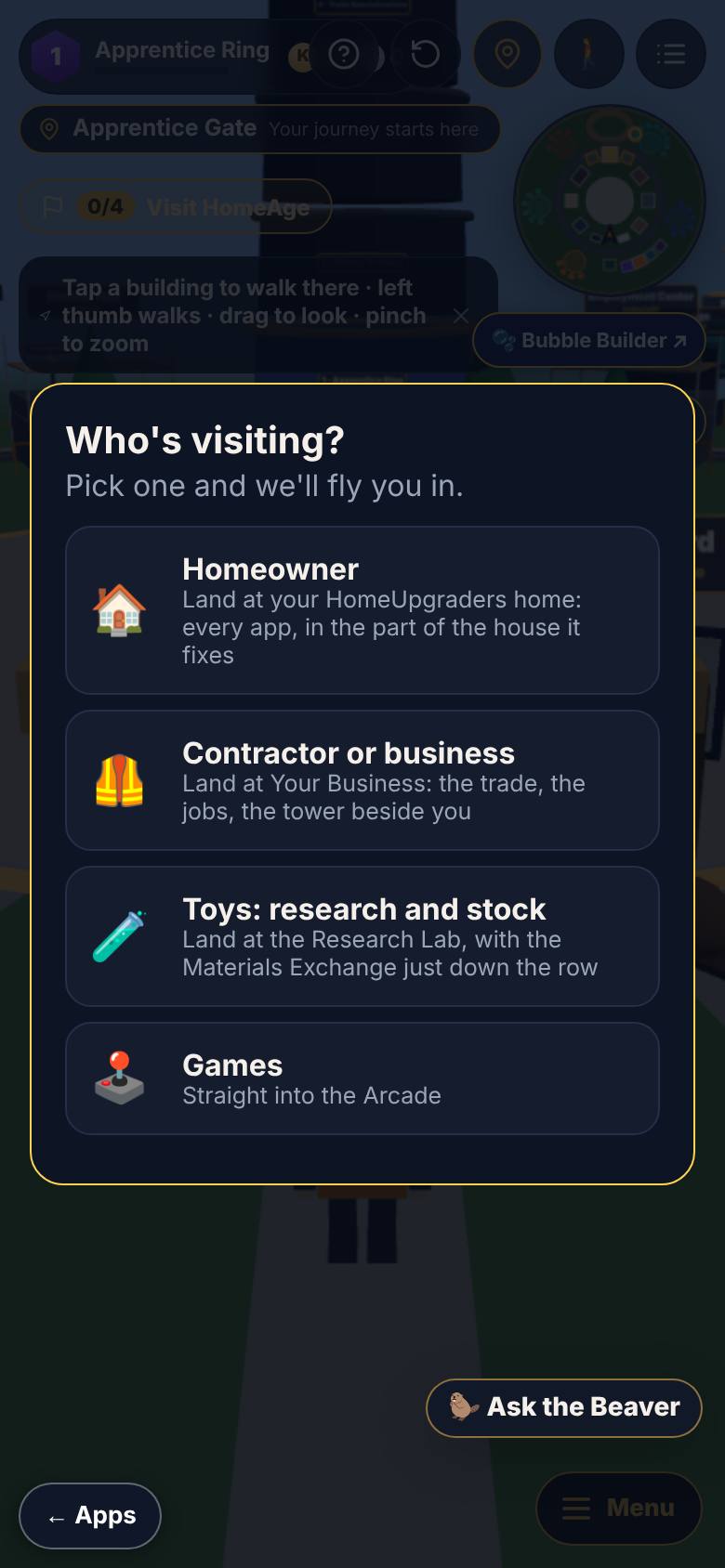
Who's visiting?
Open JobSafe Quest.
Homeowner, Contractor, Toys, Games.
- 2
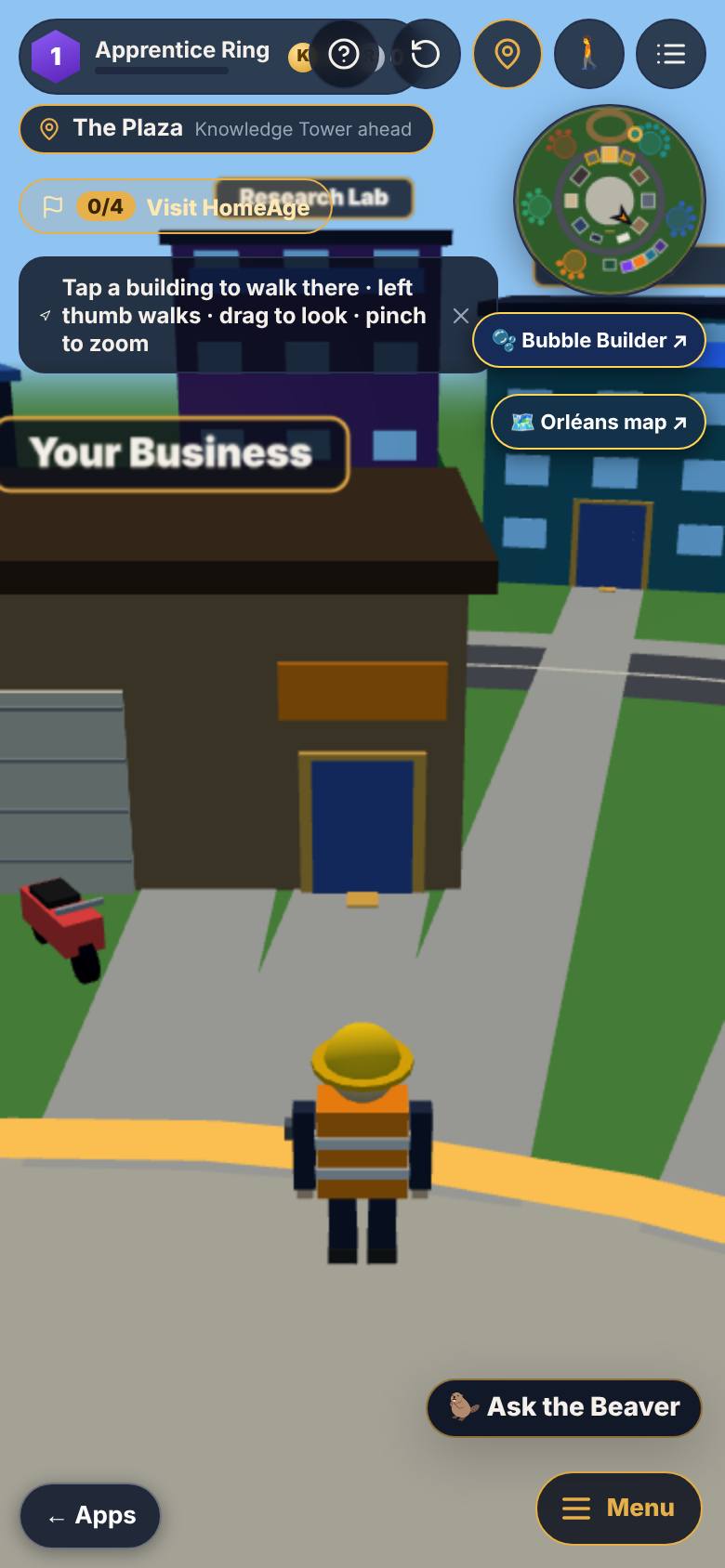
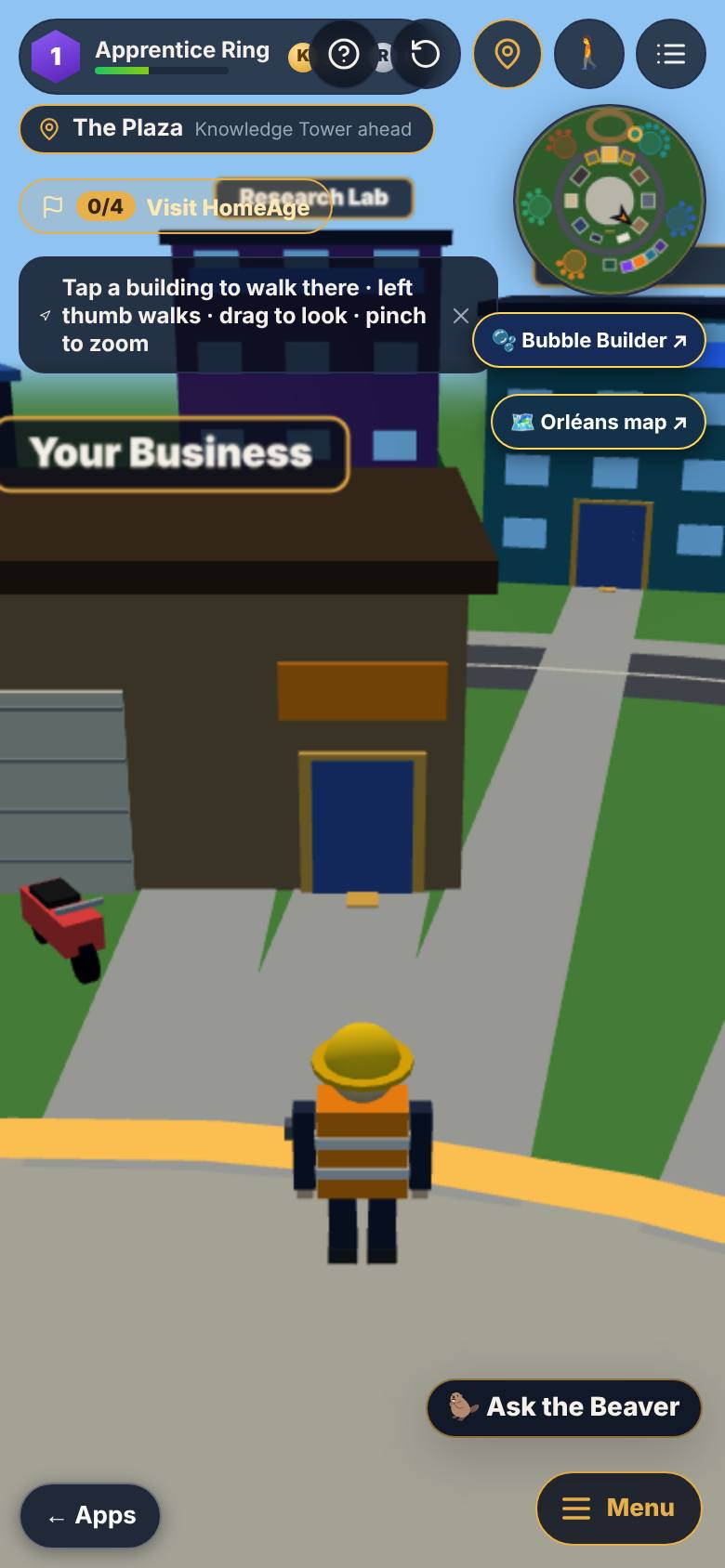
The Knowledge City
Tap Contractor or business.
The plaza, Your Business, the ring at the top.
- 3
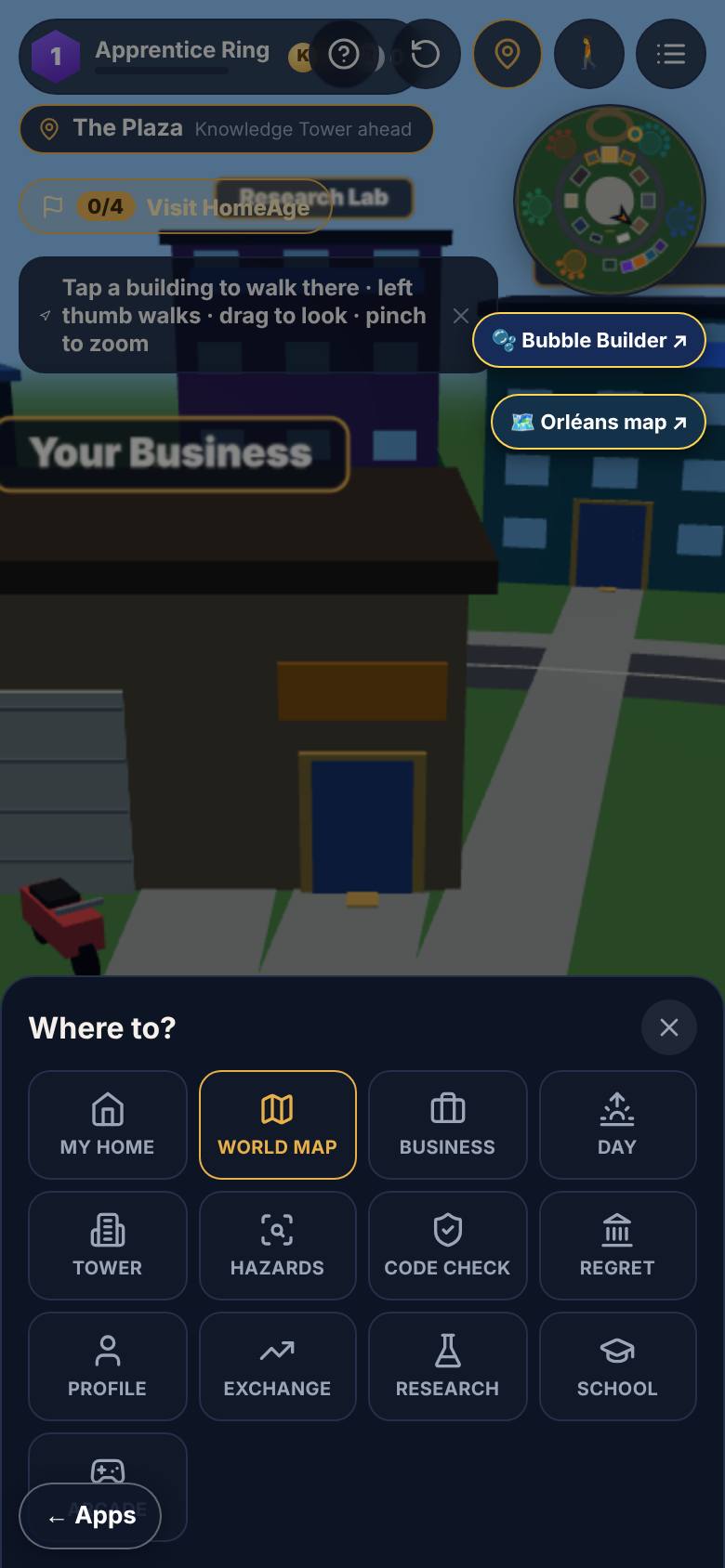
Menu: where to?
Tap Menu.
Where to: thirteen places.
- 4
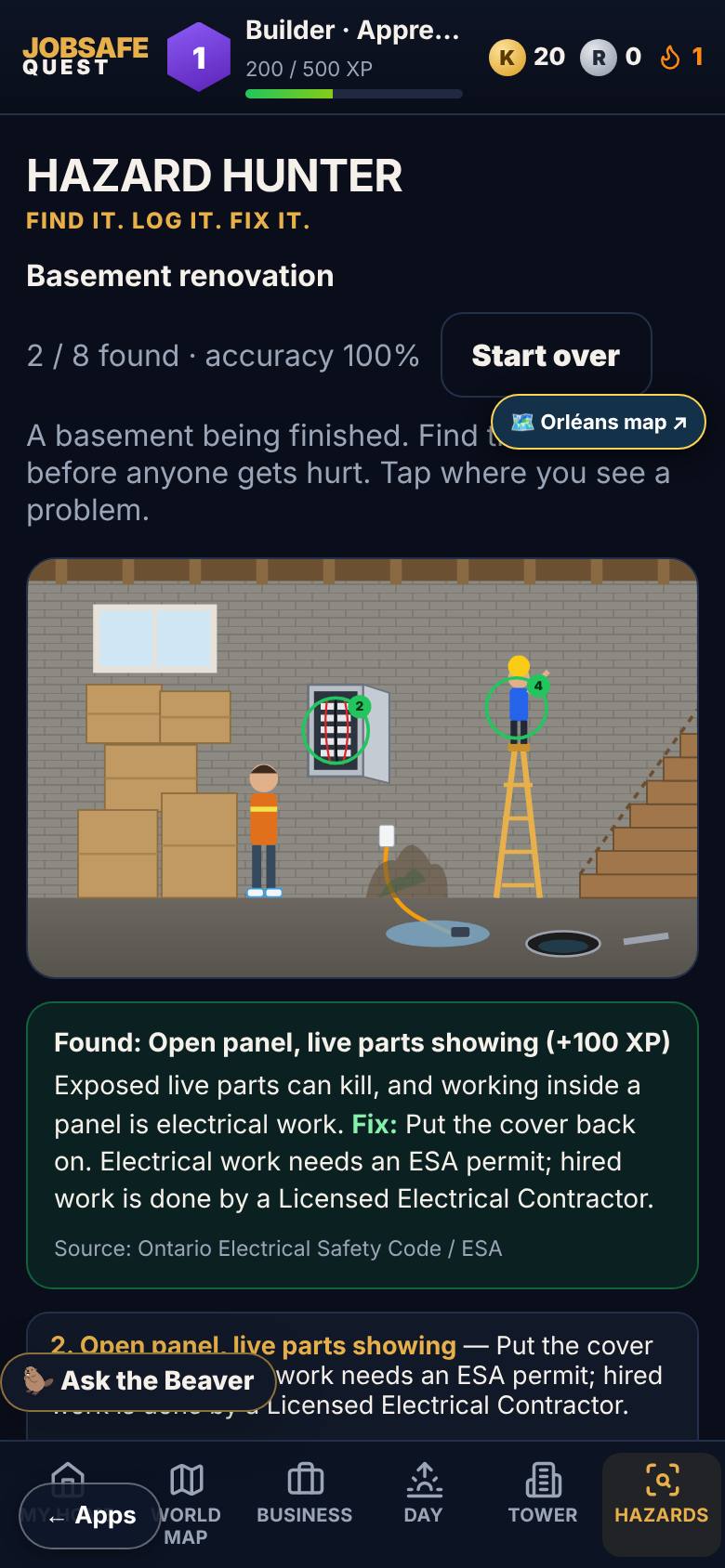
Hazard Hunter
Tap where you see a problem.
Found count and accuracy update.
- 5
Back to the world
Tap World Map at the bottom.
The city again.
What result should I expect?
Points and rings that show what you know about staying safe on a job.
How do I save, share or get help?
Signed in, your rings and points save to your account; the Menu always brings you back to the world.
If something goes wrong
- I am stuck in a building. Tap Menu, then World Map or My home. Every room leads back to the world.
Every screenshot here was taken while doing these exact steps on the app's current build (274d192), on a phone-sized screen, signed out, on 2026-10-13. Steps that need an account are marked. Nothing was submitted or bought.
All How-To guides Return to JobSafe Quest