Learn what your neighbourhood's homes are made of — and what to watch for
HomeAge uses Statistics Canada census data for your postal area to show when its homes were mostly built, the materials that age usually means, what typically needs maintenance, and where energy is lost.
Guide revision: 2026-09-23
5-step walkthrough with voiceover, recorded from the same checked steps.
Voiceover: Kokoro text-to-speech (Apache 2.0).
How do I start?
Open HomeAge and pick the first three characters of your postal code (like K1C), or tap your area on the map. No account needed.
Open HomeAgeWhat do I do next?
- 1
Open HomeAge
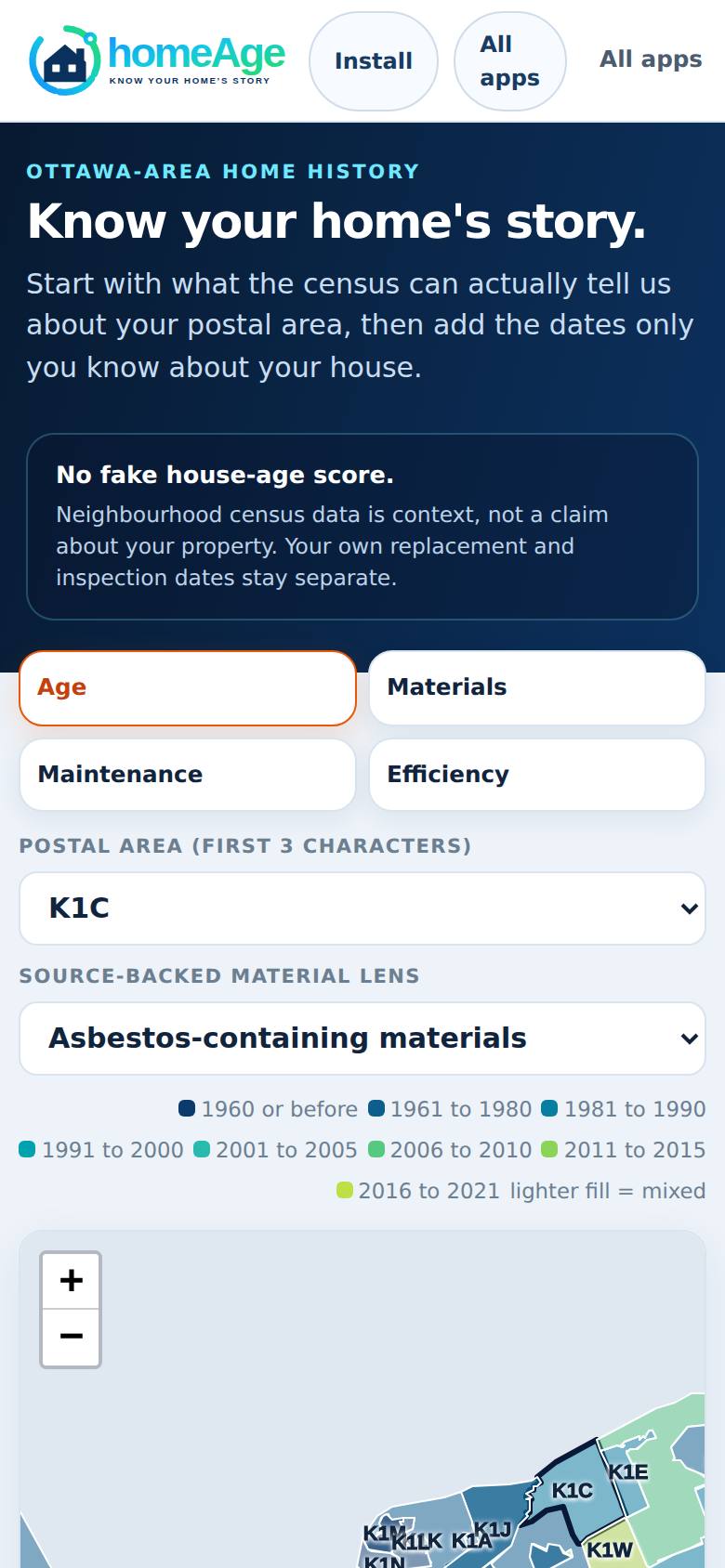
Open HomeAge from the Apps Hub.
"Know your home's story" with a map of Ottawa's postal areas.
- 2
Pick your area
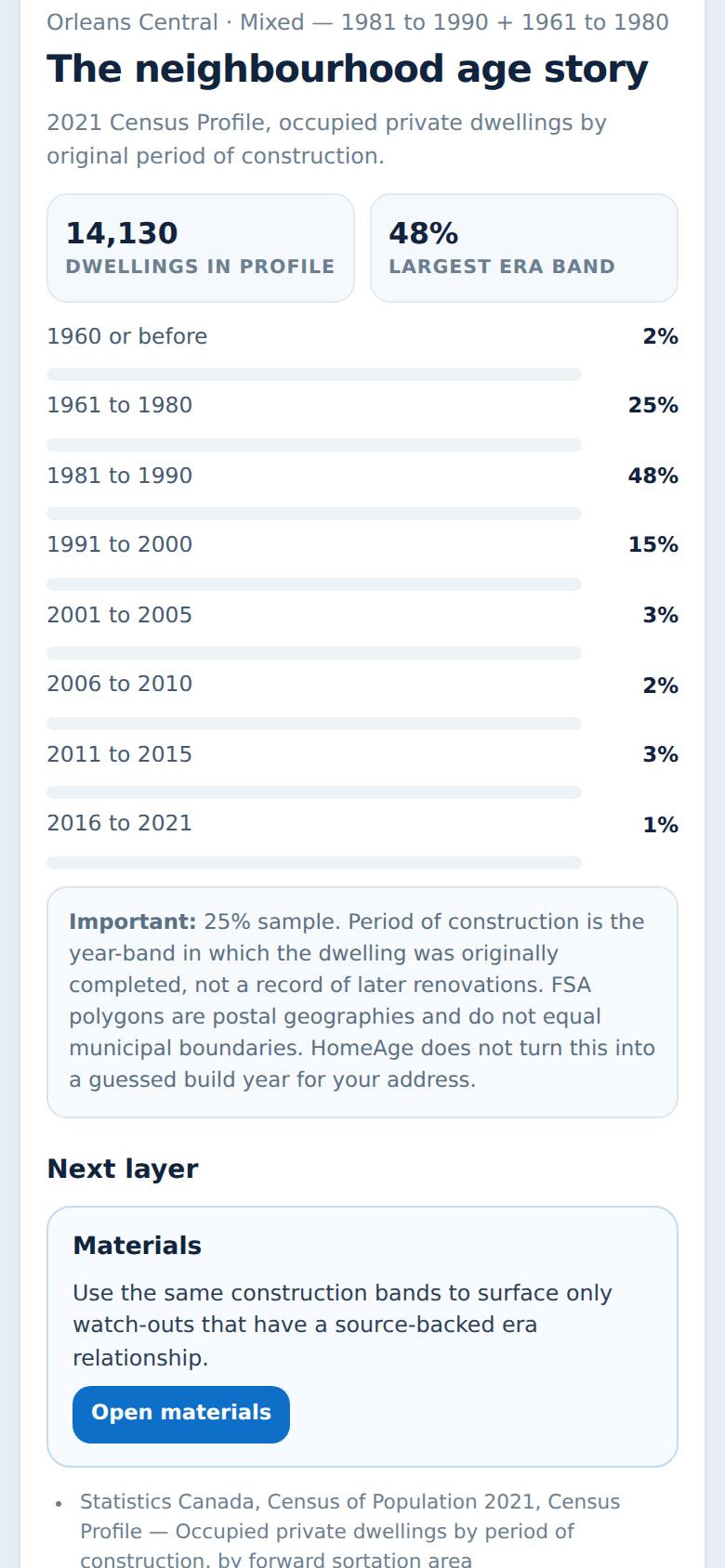
Choose the first three characters of your postal code (for example K1C), or tap your area on the map.
The story for that area: when its homes were mostly built.
- 3
Materials
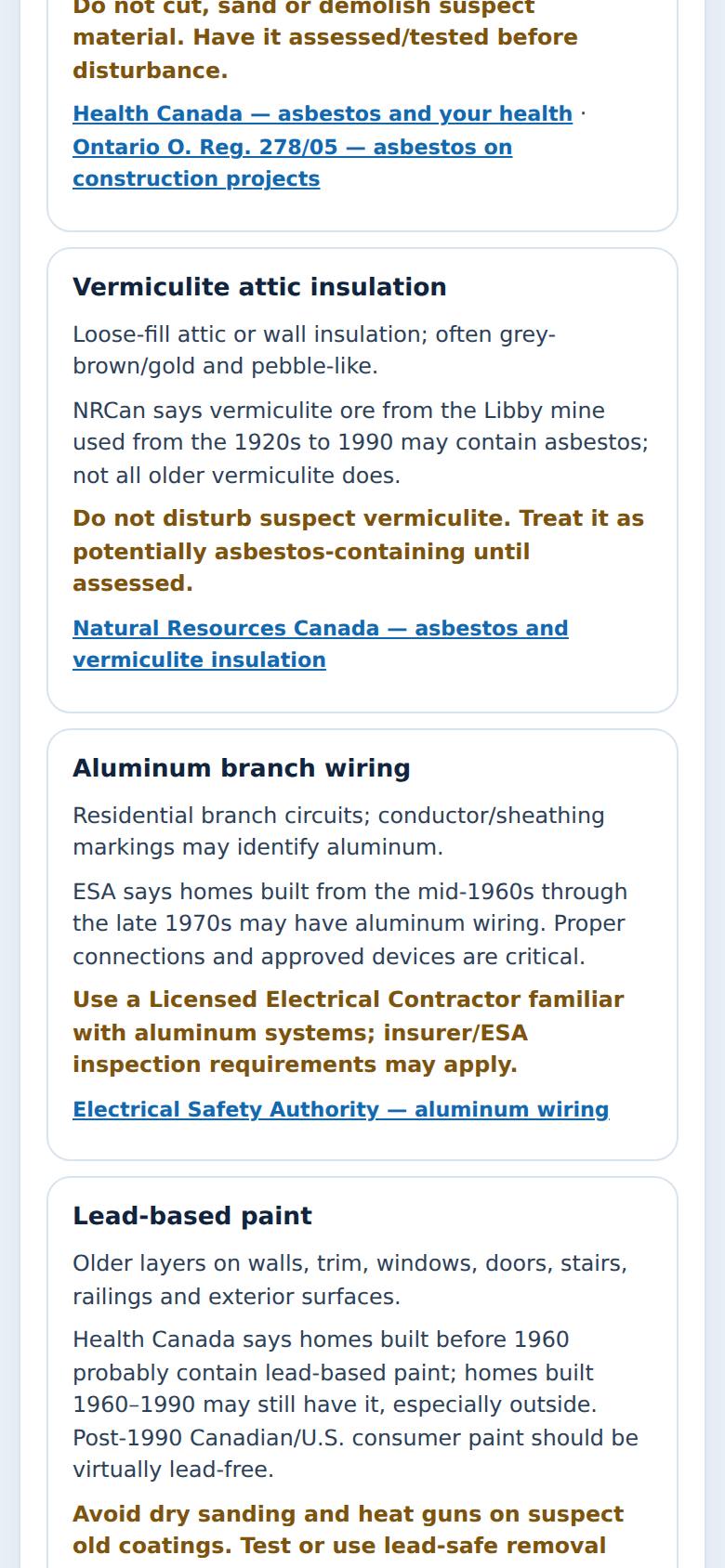
Tap Materials.
The materials homes of that age were usually built with.
- 4
Maintenance
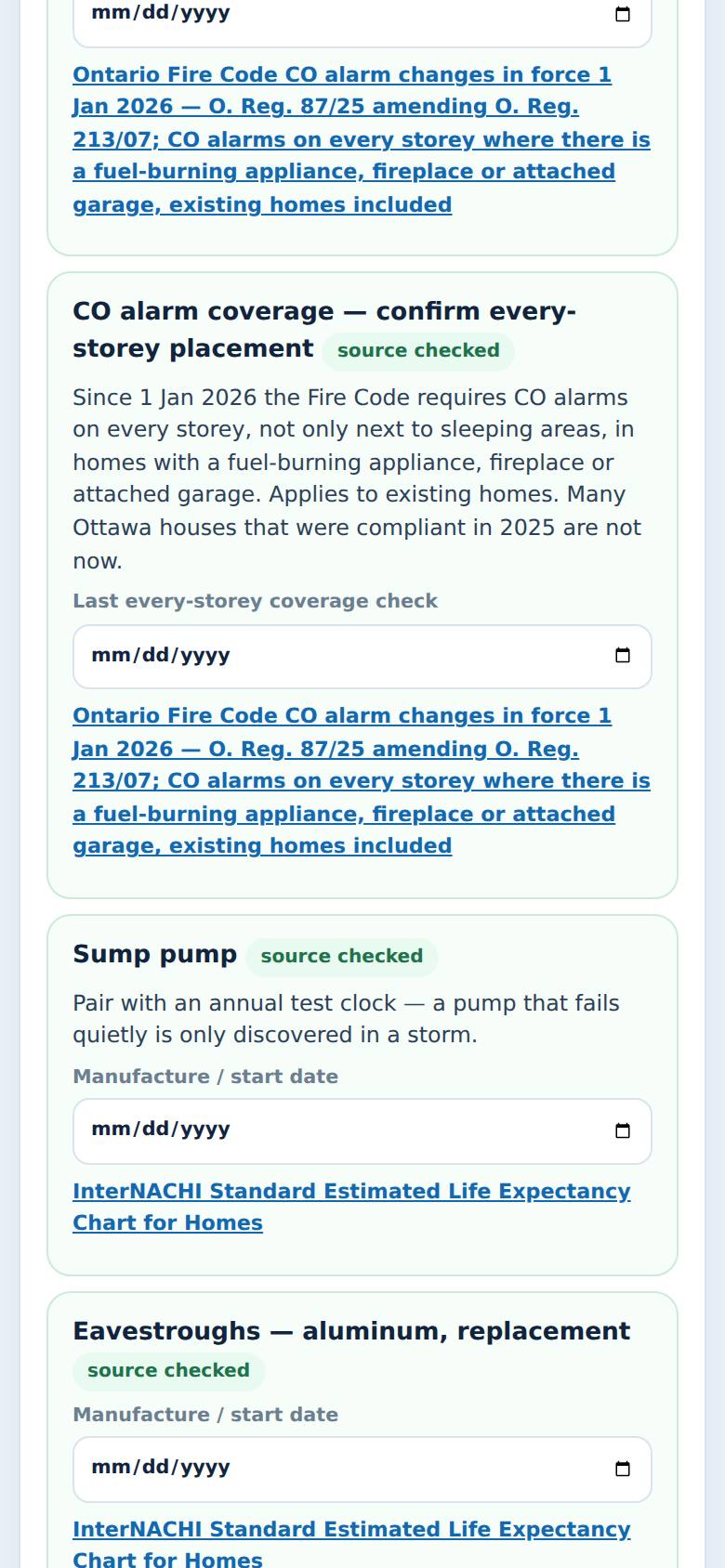
Tap Maintenance.
What typically needs attention in homes of that age.
- 5
Efficiency
Tap Efficiency.
Energy and insulation for homes of that era.
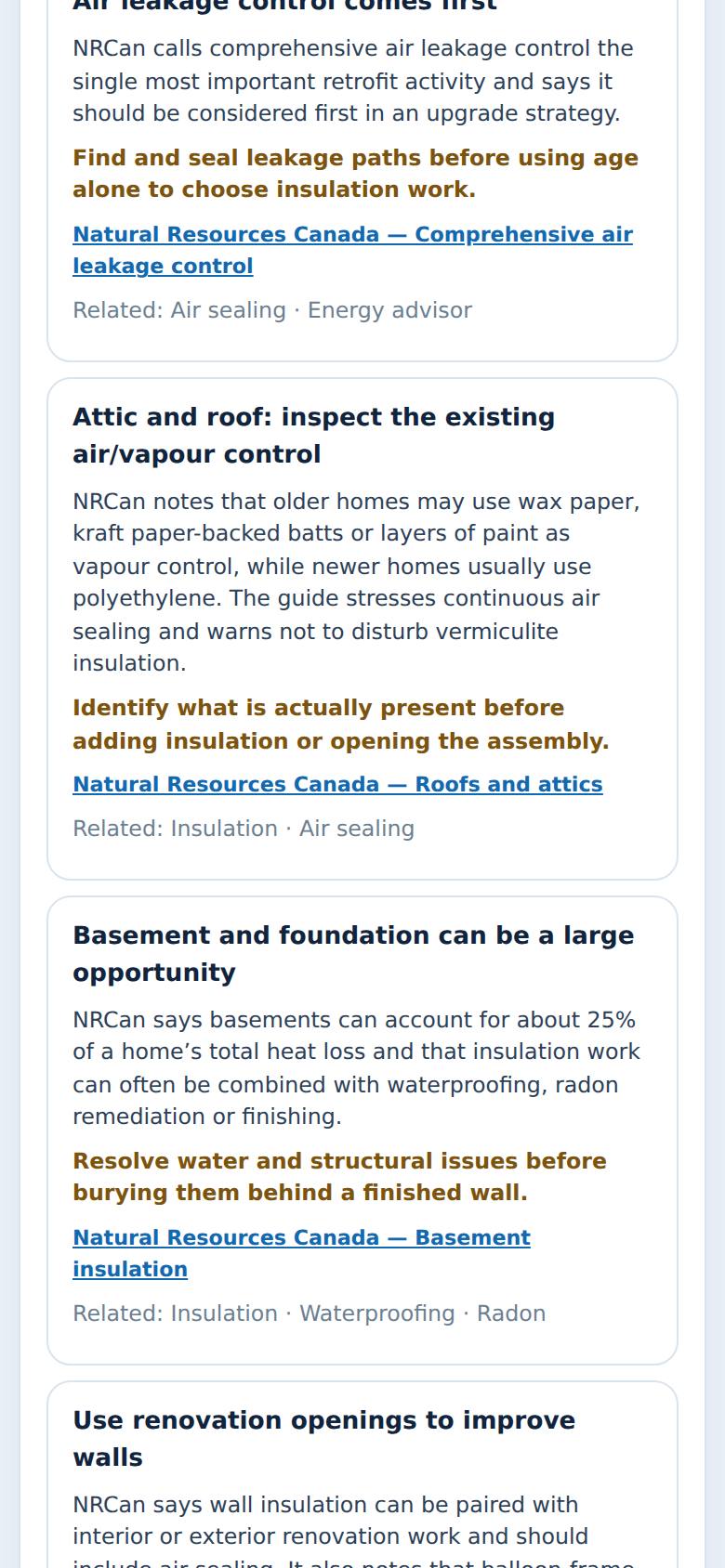
What result should I expect?
The story of homes in your area: the share built in each period, the materials to be aware of (and when to test before disturbing them), common maintenance items with their checks, and efficiency upgrades — each with its source. It describes the area, not your particular house.
How do I save, share or get help?
HomeAge doesn't store anything about you. You can add dates you know (like when the furnace was replaced) to the maintenance clocks on this device. Tap Install to keep it on your home screen.
If something goes wrong
- My postal area isn't on the list. Rural areas starting with K0A are grouped together; pick the closest area on the map.
- Does this mean my house has asbestos? No — it tells you what homes of that age often contain. Have a suspect material tested before you disturb it.
In these screenshots the street map behind the postal areas didn't load (the capture ran without map tiles). On your phone you'll see the streets under the coloured areas.
Every screenshot here was taken while doing these exact steps on the app's current build (6b6e54f), on a phone-sized screen, signed out, on 2026-09-23. Steps that need an account are marked. Nothing was submitted or bought.
All How-To guides Return to HomeAge